One endpoint for your AI clients
Keep client configuration stable while provider accounts and routing rules are managed behind the gateway.
Bring provider accounts behind one controlled endpoint, install on your own Linux server and manage licensing, releases and access without rebuilding your stack.
MFI AI Gateway runs on infrastructure you control while centralizing provider connectivity, access policy, release delivery and license state.
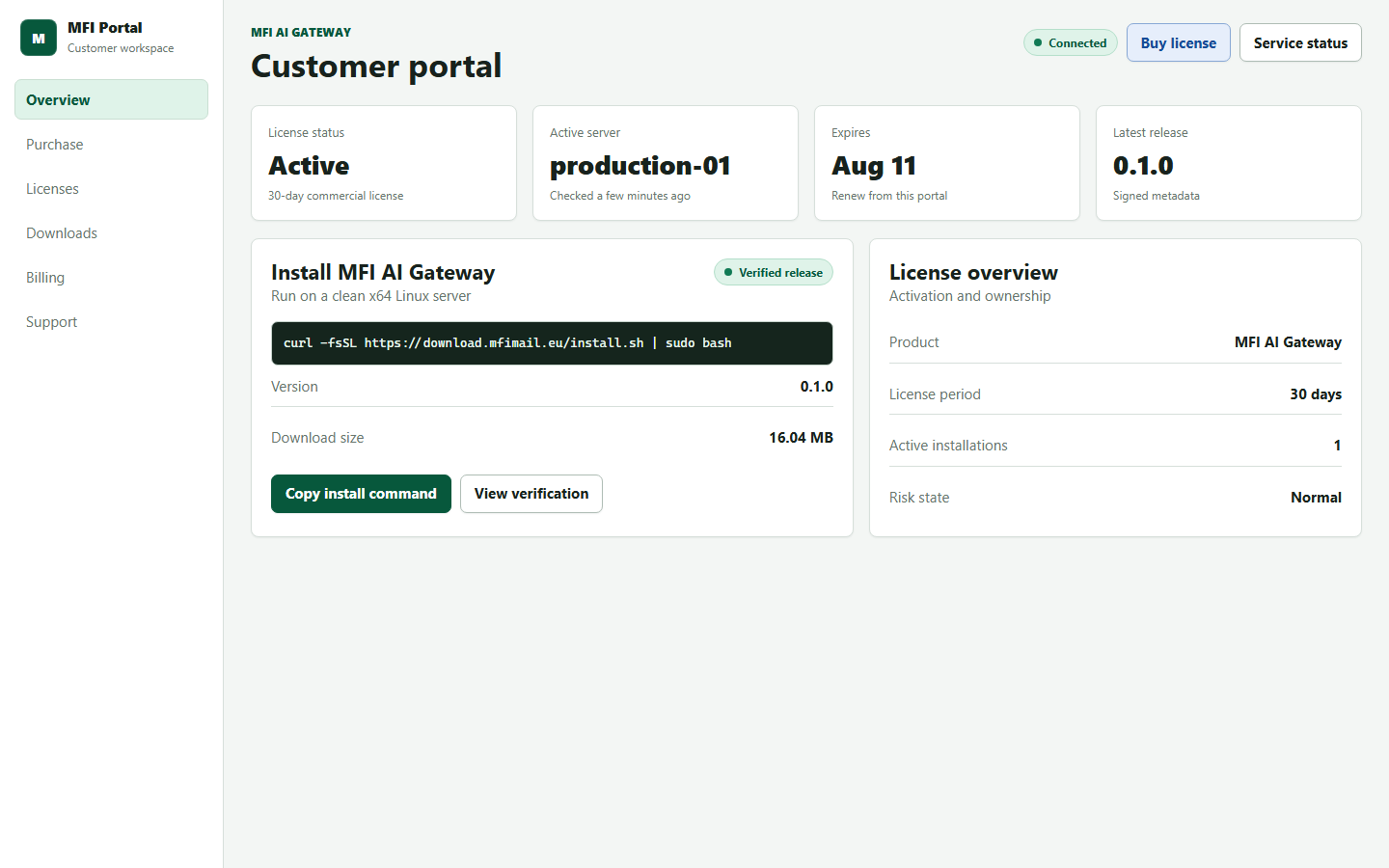
Keep client configuration stable while provider accounts and routing rules are managed behind the gateway.
The installer provisions the compiled service, systemd unit and runtime directories with consistent versions.
Signed release metadata, archive size and SHA-256 checks protect the update path from accidental or altered packages.
Activating a new server transfers the active installation. The previous server loses access on its next license check.
The customer portal keeps installation, renewal, download and support information in one practical workspace.
Use familiar request formats and point supported tools at the gateway endpoint instead of each provider separately.
The account, license and installer flow is designed around one product and one 30-day period.
Use your email and password to open the customer workspace.
A payment reference is reserved for 48 hours while the manual pilot payment is reviewed.
After approval, the key appears once in your customer portal.
Install the latest signed release and enter the key when prompted.
The customer package contains compiled application artifacts. License decisions, active installation state and release signatures remain controlled by the service infrastructure.
Portal sessions use secure browser cookies and expire automatically.
A newly issued license key is exposed once after payment approval.
Customers can check service availability without exposing internal operations details.
Yes. The commercial package targets a clean x64 Linux server and runs as a systemd service.
Enter the same license key on the replacement server. The new installation becomes active and the previous one stops after its next license check.
The period begins on the first successful activation, not when the key is created.
Yes. The public status and download pages remain available without an account.